

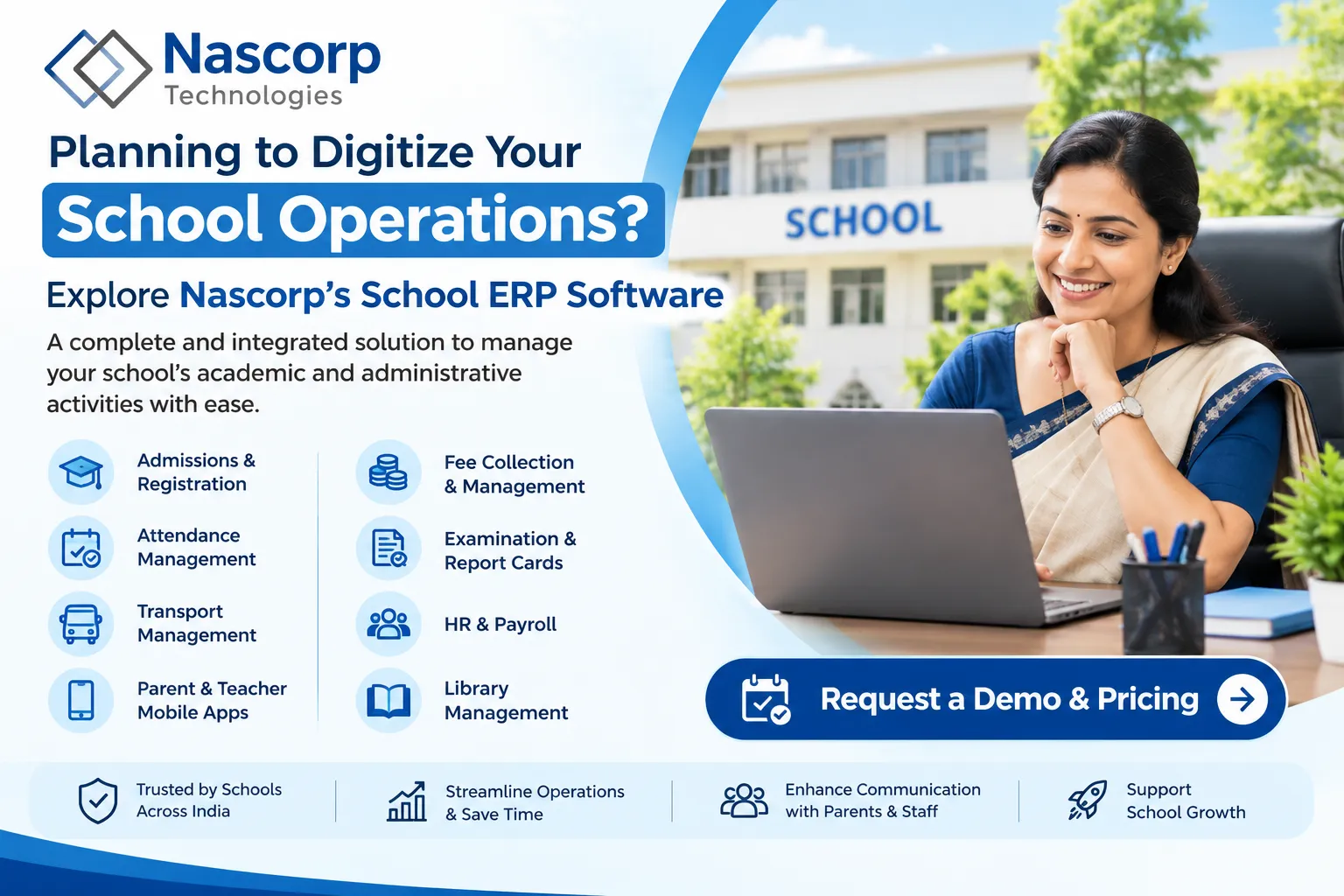
Selecting the right School ERP software is an important decision for private schools, CBSE institutions, and educational groups. The software you choose can affect admissions, fee collection, attendance, examinations, reporting, and communication for years.
Before investing in a new platform, schools should request a School ERP demo with pricing to understand the functionality, implementation requirements, and total software cost.
Why Is a School ERP Demo Important?
A software demonstration allows school owners, principals, and administrators to evaluate how the system works in practical situations.
Instead of relying only on feature lists, schools can explore actual workflows and understand whether the platform supports their requirements.
For example, administrators can review how the system manages student admissions, fee payments, attendance, examination records, and reporting.
A personalized demonstration also provides an opportunity to discuss existing administrative challenges.
Important Features to Check During a Demo
Admission Management
Evaluate how the software manages student registration, admission enquiries, documents, and enrollment records.
Fee Management
Review fee structures, online payment options, receipts, outstanding dues, and financial reporting.
Attendance Management
Understand how teachers record attendance and how administrators access relevant reports.
Examination and Report Cards
Check whether the system supports your school’s grading patterns, examination structures, and report card requirements.
Parent and Teacher Mobile Applications
Explore the mobile applications and understand which features are available to parents, teachers, and administrators.
Management Reports
Ask the provider to demonstrate reports related to admissions, fee collection, attendance, and academic performance.
What Determines School ERP Pricing?
School ERP software pricing can vary depending on the institution’s requirements.
Important factors include:
Number of enrolled students
Selected ERP modules
Number of school branches
Mobile application requirements
Data migration services
Implementation and training
Technical support and maintenance
Schools should request a detailed quotation rather than comparing only the advertised subscription price.
Questions to Ask During the Demo
Before making a decision, ask the ERP provider:
Which modules are included in the proposed package?
Is the software suitable for our student strength?
Are parent and teacher mobile applications included?
What implementation support is available?
Can existing student and fee records be migrated?
Are training and technical support included?
What additional charges may apply?
How long is the estimated implementation period?
These questions can help schools compare different providers more effectively.
Book School ERP Demo with Nascorp Technologies
Nascorp Technologies offers integrated school management software for private schools, CBSE institutions, and educational groups.
The platform supports admissions, fee management, attendance, examinations, report cards, transport, HR, payroll, and communication.
Schools can request a personalized demonstration to explore relevant modules and discuss their operational requirements.
Our team can also provide information about implementation assistance, data migration, and customized software pricing.
Conclusion
A School ERP demo with pricing helps institutions make informed purchasing decisions.
Rather than selecting software based only on features or price, schools should evaluate usability, implementation support, and long-term suitability.
Ready to explore School ERP software?
Visit Nascorp Technologies to book a School ERP demo and request customized pricing.



Join the conversation