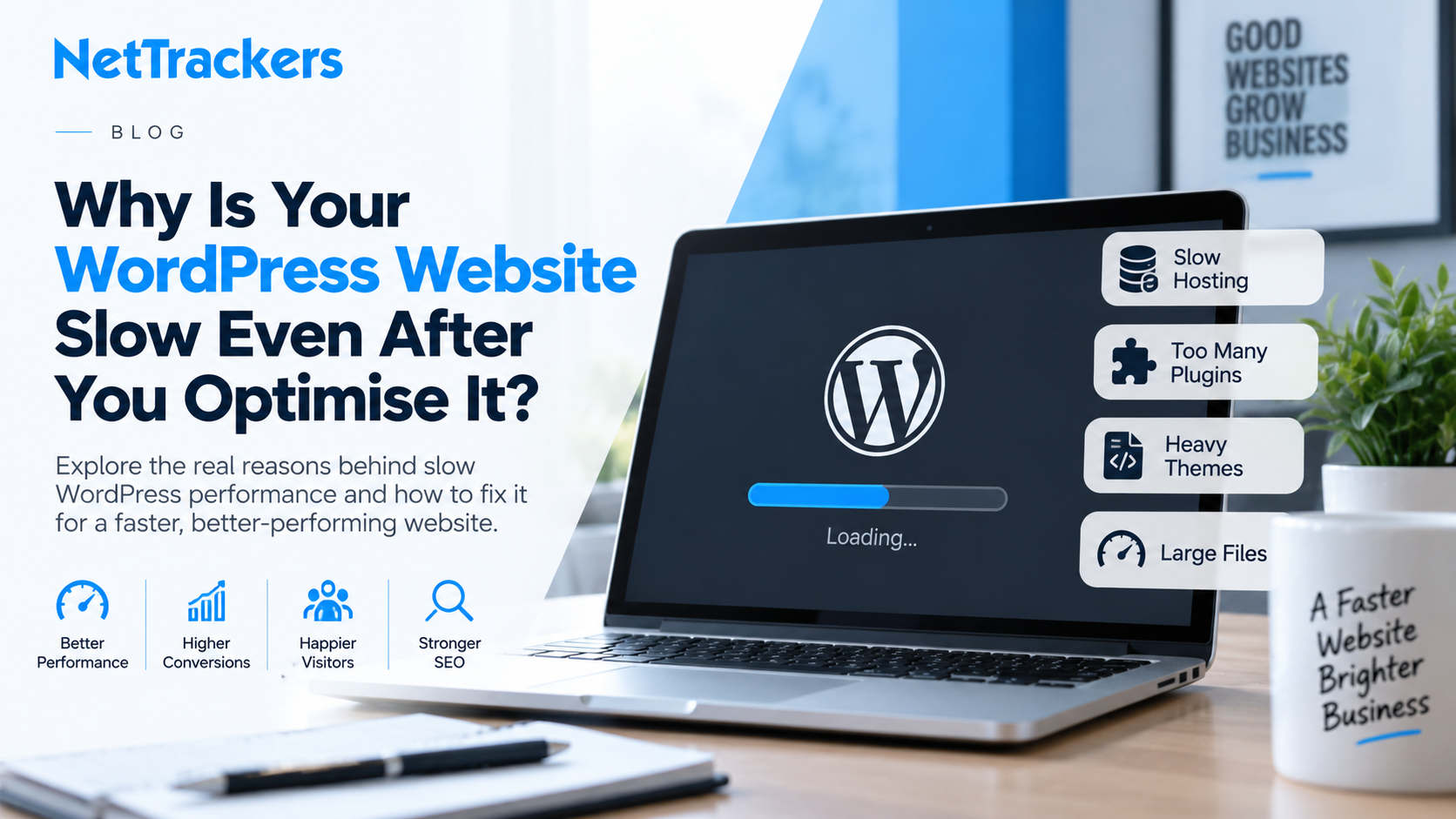
You compress your images, install a caching plugin, remove a few unnecessary plugins and run another speed test. The score improves slightly, yet your WordPress website still feels frustratingly slow when real visitors use it. This is a common problem because website speed is influenced by far more than image sizes and basic optimisation settings. Hosting configuration, database performance, theme architecture, third-party scripts and inefficient code can all create bottlenecks that surface only when the website is under real-world load. Working with an experienced WordPress web development agency can help uncover these deeper technical problems instead of repeatedly applying surface-level fixes. The objective should not simply be to achieve an impressive testing score, but to build a genuinely fast website that supports users, search visibility and conversions.
Why Basic WordPress Speed Optimisation Does Not Always Work
Most WordPress speed advice starts with sensible recommendations such as enabling caching, compressing images, minifying CSS and JavaScript and using a content delivery network. These measures can improve performance, but they cannot compensate for fundamental problems within the website itself. A poorly developed theme may load unnecessary assets on every page, while inefficient plugins can execute expensive database queries whenever somebody visits the site. Even a well-configured caching plugin may simply mask these issues rather than eliminate them. This explains why some websites achieve respectable laboratory scores while still feeling slow during browsing, navigation or checkout. Effective optimisation therefore requires understanding what is actually consuming resources before deciding what needs to be changed.
Your Theme May Be Loading More Than Visitors Need
A visually impressive WordPress theme can contain sliders, animation libraries, page-builder components, icon packs and scripts that your website barely uses. Unfortunately, many themes still load these resources across the entire website regardless of whether they are required on a particular page. This increases the amount of CSS and JavaScript the browser must download, parse and execute before visitors can properly interact with the page. Switching on minification can reduce file sizes, but it does not solve the underlying problem of unnecessary code being delivered. A specialist WordPress web development agency can audit the theme architecture and determine which assets can be removed, conditionally loaded or replaced. This approach addresses the source of the performance problem rather than simply trying to compress an inefficient setup.
Are Too Many WordPress Plugins Slowing Your Website Down?
The number of installed plugins is not necessarily the biggest issue because one poorly coded plugin can cause more problems than several efficient ones. Plugins may add database queries, external requests, tracking scripts, CSS files and JavaScript that increase processing and loading times. Problems become particularly noticeable when multiple plugins perform overlapping functions such as optimisation, analytics, security or page building. Removing plugins randomly is not the best solution because doing so can break important functionality without addressing the actual bottleneck. Instead, developers should profile requests and identify which plugins consume excessive resources or create unnecessary dependencies. Where appropriate, lightweight custom functionality can replace bulky plugins and reduce the amount of processing WordPress needs to perform.
Your Database Could Be the Hidden Bottleneck
WordPress depends heavily on its database to retrieve posts, pages, settings, products, customer information and other dynamic content. Over time, databases can accumulate revisions, expired transients, orphaned metadata, unused plugin tables and excessive autoloaded options. Every inefficient query can add a small delay, and those delays become increasingly noticeable on larger or more complex websites. Simply installing a database-cleaning plugin does not guarantee that the underlying query architecture will become efficient. A professional web development London team can investigate slow queries, database structure and application-level performance to identify what is actually causing delays. Database optimisation is particularly important for e-commerce, membership and content-heavy websites where requests may involve significantly more processing.
Is Your Hosting Powerful Enough for Your WordPress Website?
A beautifully optimised website can still perform badly if the server underneath it is slow or incorrectly configured. Cheap shared hosting environments may place hundreds of websites on the same infrastructure, forcing them to compete for CPU, memory and other server resources. This can create inconsistent performance where the website appears fast during quieter periods but slows considerably when traffic increases. Server location, PHP configuration, object caching, storage performance and available resources can all affect WordPress response times. Businesses looking for affordable web design UK should therefore consider ongoing infrastructure costs alongside the initial website build. Choosing the cheapest hosting option can become expensive if poor performance subsequently reduces enquiries, sales or organic visibility.
Why Does Your Website Feel Slow Even When Speed Tests Look Good?
Automated speed-testing tools are valuable diagnostic resources, but their scores should not become the only measure of website performance. A page may load quickly in a controlled test while behaving differently for visitors using various devices, connections and geographic locations. Third-party scripts, cookie banners, analytics tools, live chat applications and advertising platforms can also affect responsiveness after the initial page has loaded. User experience depends on how quickly meaningful content appears and how soon visitors can interact with the page without unexpected movement or delay. A website design agency London should therefore consider technical performance alongside usability and conversion behaviour. Improving a score is useful, but improving the experience of actual visitors is ultimately more valuable.
How Poor Website Design Can Create Performance Problems
Performance problems are not always isolated development issues because design decisions can significantly affect how much work a browser must perform. Large hero videos, oversized imagery, complex animations and multiple font families may look attractive but can add substantial weight to a page. Businesses searching for web design London should therefore evaluate agencies on performance considerations as well as visual creativity. Good website design establishes a hierarchy that communicates information effectively without forcing visitors to download unnecessary assets. This is one reason a combined web design and SEO agency can be valuable when performance, organic visibility and conversion objectives need to work together. Design should support the commercial purpose of the website rather than becoming an obstacle to speed.
Why Third-Party Scripts Can Quietly Damage Performance
Modern business websites frequently rely on services that sit outside WordPress itself, including analytics platforms, heatmaps, chat systems, booking applications and marketing trackers. Each service may require external JavaScript, additional network connections and processing within the visitor’s browser. Because these scripts originate from third parties, traditional WordPress optimisation plugins have limited control over how efficiently they operate. Developers should therefore review whether every external service provides enough business value to justify its performance cost. Scripts can sometimes be delayed until interaction, restricted to relevant pages or replaced with lighter alternatives. Reducing unnecessary third-party dependencies can produce noticeable improvements without changing the visible design of the website.
Could Your Page Builder Be Creating Excessive Code?
Page builders make WordPress easier to manage, but some implementations generate deeply nested HTML, duplicated CSS and unnecessary scripts. The problem becomes worse when different builders, theme components and plugin widgets are combined over several years of website updates. Even apparently simple pages can end up containing significantly more markup than visitors actually need. Migrating everything to a new platform is not always necessary, because careful refactoring can often remove much of this overhead. An experienced WordPress web development agency can assess whether the existing builder remains suitable or whether selected templates should be rebuilt more efficiently. The right decision depends on maintainability, performance requirements, functionality and the commercial value of the website.
Are Your Landing Pages Losing Leads Because They Load Too Slowly?
Landing pages often receive visitors from paid advertising, email campaigns, organic search and social media, making performance especially important. When users arrive with strong intent, unnecessary delays create friction before they can understand the offer or complete an enquiry. A specialist landing page design agency should balance persuasive content, strong calls to action and visual design with efficient loading. Heavy tracking scripts and oversized creative assets can undermine an otherwise effective campaign. Optimising landing pages should therefore include technical performance, mobile usability and conversion behaviour rather than focusing solely on appearance. Faster pages give marketing campaigns a better opportunity to turn valuable traffic into enquiries.
Should You Rebuild Your WordPress Website or Optimise the Existing One?
A complete rebuild is not automatically the right answer when a WordPress website becomes slow. If the core architecture is sound, targeted improvements to hosting, templates, database queries and plugins may produce substantial gains without replacing the entire website. However, websites built on outdated themes, abandoned plugins or heavily modified page builders can eventually reach the point where continual patching becomes inefficient. Businesses comparing a web design agency Birmingham or other UK providers should ask whether an agency recommends rebuilding because it is genuinely necessary or simply because it is easier to sell. Understanding how much does web design cost UK is also more useful when the quotation distinguishes essential technical work from optional design changes. A proper technical audit should provide the evidence needed to make that decision.
Why SEO Should Be Considered During WordPress Performance Work
Website performance and SEO are closely connected because technical problems can affect crawling, usability and the overall experience delivered to search visitors. Speed improvements should therefore be coordinated with technical SEO rather than implemented without considering URLs, internal linking, structured data and indexation. This becomes increasingly relevant as businesses consider how traditional search and AI-driven discovery fit together, as explored in SEO vs AI SEO for UK businesses in 2026. Performance improvements should protect important content and ensure search engines can continue accessing the website efficiently. A technically strong website creates a better foundation for both organic search campaigns and emerging AI visibility strategies. Development, design and SEO should consequently be treated as connected disciplines rather than isolated projects.
What Should a Proper WordPress Performance Audit Examine?
A useful audit should go beyond entering the homepage into a speed-testing tool and copying the recommendations into a report. Developers should examine server response times, PHP performance, database queries, plugin execution, theme assets, caching behaviour and third-party requests. Important templates should be tested separately because the homepage, service pages, blog posts and conversion pages can have completely different bottlenecks. Mobile performance should also receive particular attention because users may access the website through slower connections and less powerful devices. A WordPress web development agency should then prioritise improvements according to their likely performance and business impact rather than making arbitrary changes. This creates a practical roadmap instead of an endless cycle of installing additional optimisation plugins.
When Should You Bring in WordPress Specialists?
If you have already compressed images, configured caching, updated plugins and followed common optimisation advice without meaningful improvement, the problem probably requires deeper investigation. Repeatedly adding performance plugins can make diagnosis harder because different caching and optimisation systems may conflict with one another. Specialist developers can profile what happens between a visitor requesting a page and that page becoming fully usable. This makes it possible to distinguish server bottlenecks from front-end problems, database issues and external scripts. NetTrackers can help businesses investigate website performance alongside development, design and search requirements. The goal is to determine what is actually slowing the website before investing time and budget in another round of superficial fixes.
Turn a Slow WordPress Website Into a Better Business Asset
A slow WordPress website is rarely caused by one oversized image or one incorrect setting. More often, performance deteriorates because themes, plugins, databases, hosting and third-party integrations gradually create layers of technical overhead. Fixing those problems requires a structured investigation that separates symptoms from their underlying causes. The right WordPress web development agency can identify the highest-impact bottlenecks and prioritise changes that improve both website performance and commercial outcomes. That means visitors reach important information faster, landing pages have a better opportunity to convert and your SEO strategy operates on a stronger technical foundation. If your WordPress website still feels slow despite repeated optimisation attempts, call +44 20 4572 4940 to discuss what may be holding it back.