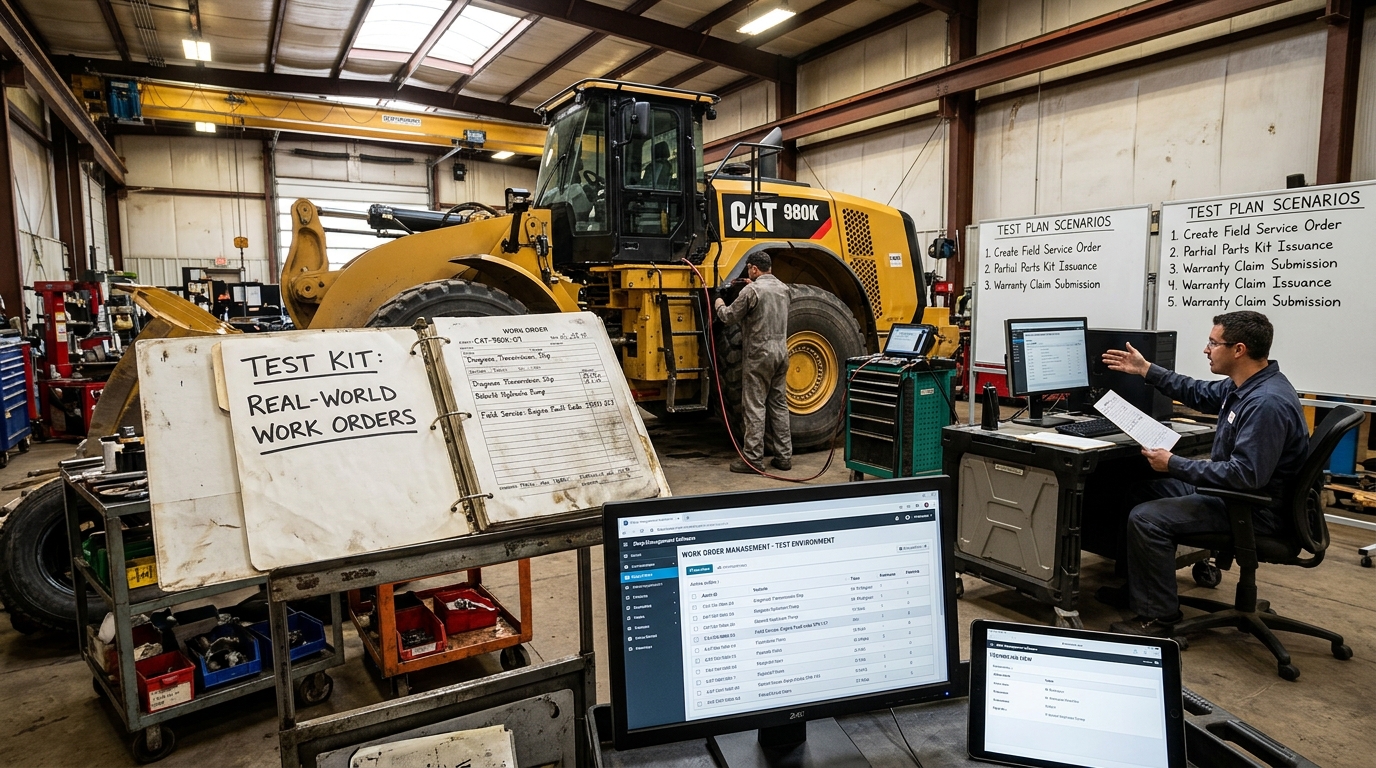
Heavy-duty repair shops handle complex jobs every day, from truck maintenance and equipment repairs to work order management, parts tracking, labor costing, and invoicing. Managing these tasks manually can lead to errors, delays, and increased operating costs. This is why choosing the right heavy-duty shop management software is essential for improving efficiency and maintaining accurate records.
At Fullbay, we understand the importance of reliable shop management solutions that support real-world repair workflows. Testing software with actual work order scenarios helps businesses determine whether a system can handle their daily operations effectively before fully implementing it.
Why Testing Shop Management Software Matters
Before investing in new software, repair shop owners should understand how well it performs under real working conditions. A practical test helps identify potential issues with job tracking, labor calculations, inventory management, and customer billing.
Testing heavy-duty shop management software can help businesses:
- Improve work order accuracy and organization.
- Reduce manual data entry and administrative errors.
- Track labor hours, repair parts, and job costs.
- Improve communication between technicians and service advisors.
- Maintain accurate estimates, invoices, and service records.
1. Create a Realistic Work Order
Start by creating a sample work order for a common repair job, such as truck engine maintenance, brake repair, or heavy equipment servicing. Enter customer information, vehicle details, reported issues, and the required repair services.
Check whether the software allows users to create, update, assign, and track work orders without unnecessary steps. A well-designed system should make it easy for employees to access job information and understand the status of each repair.
2. Test Estimates and Change Orders
Repair jobs do not always go according to the original plan. Technicians may discover additional problems after inspecting a vehicle or piece of equipment.
Use a sample work order to test how the software handles changes to the original estimate. For example, if a truck requires additional brake components during a scheduled repair, verify whether the system can record the extra parts, labor costs, and revised total.
The software should maintain a clear record of the original estimate and any approved changes, helping the shop avoid billing confusion and improve cost transparency.
3. Verify Parts and Inventory Tracking
Parts availability directly affects repair timelines. During testing, add the required parts to a work order and check whether the system updates inventory records correctly.
Evaluate whether users can identify available stock, track parts used for specific jobs, and recognize when additional supplies are needed. Accurate inventory tracking can help reduce delays, prevent unnecessary purchases, and support better purchasing decisions.
4. Check Labor Tracking and Job Costing
Labor costs are an important part of heavy-duty repair operations. Test whether technicians can record their working hours and whether the software calculates labor costs accurately.
Compare the recorded hours, labor rates, parts costs, and additional charges against your expected totals. This process helps determine whether the system provides a reliable view of job profitability and overall repair expenses.
5. Review Invoicing and Reporting
Once the sample repair is complete, generate an invoice and compare it with the approved work order and estimate.
Check that all authorized parts, labor charges, taxes, and additional services are reflected correctly. Also, review the available reports to determine whether managers can monitor completed jobs, outstanding work orders, inventory usage, and revenue.
Reliable reporting helps shop owners make informed business decisions and identify opportunities to improve daily operations.
6. Evaluate Ease of Use and Workflow Efficiency
Software should simplify daily work rather than create additional administrative tasks. Ask service advisors, technicians, and managers to test the same workflow and provide feedback.
Pay attention to navigation, data entry, job updates, and access to important information. A user-friendly interface can reduce training time and help employees adopt the system more confidently.
Benefits of Testing Software With Real-World Work Orders
Testing heavy-duty shop management software through practical scenarios gives businesses a clearer understanding of how the system may perform in everyday operations. It can reveal workflow gaps, calculation errors, inventory issues, and reporting limitations before they affect live customer jobs.
A structured testing process also helps businesses compare software features with their actual operational requirements instead of relying solely on product descriptions or demonstrations.
Choose the Right Heavy-Duty Shop Management Solution
Selecting the right software requires more than reviewing a list of features. Businesses should evaluate how effectively a system manages work orders, change orders, inventory, labor tracking, estimates, and invoicing within a realistic repair workflow.
Fullbay aims to help businesses understand the value of practical, efficient shop management processes and identify solutions that align with their operational needs. By testing real-world work orders before implementation, repair shops can make more informed decisions and work toward improved productivity, accuracy, and customer service.
Conclusion
Testing heavy-duty shop management software with real-world work orders is a practical way to assess its functionality, usability, and reliability. From creating work orders and updating estimates to tracking parts, calculating labor, and generating invoices, each step provides valuable insight into how the software supports daily repair operations.
By following a structured testing process, heavy-duty repair shops can identify potential problems early, improve workflow efficiency, and choose software that supports their long-term business goals.
Frequently Asked Questions (FAQs)
1. What is heavy-duty shop management software?
Heavy-duty shop management software helps truck repair shops and equipment service businesses manage work orders, labor hours, parts inventory, estimates, invoices, and customer records in one system.
2. Why should you test shop management software with real-world work orders?
Testing with real-world work orders helps businesses evaluate software functionality, identify workflow issues, verify calculations, and determine whether the system meets their daily operational needs.
3. How do you test heavy-duty shop management software?
Start by creating a sample work order, entering customer and vehicle details, adding labor and parts, updating repair estimates, and generating an invoice. Verify that all information and calculations remain accurate throughout the process.
4. What is a change order in heavy-duty repair shop management?
A change order documents additional repairs, parts, labor, or costs identified after the original estimate. It helps repair shops track approved changes and maintain accurate job records and billing.
5. Which features should you check when evaluating shop management software?
Important features include work order tracking, inventory management, labor time tracking, job costing, estimate revisions, invoicing, customer records, and reporting.
6. How does work order management software improve repair shop efficiency?
It organizes repair jobs, centralizes service information, improves task tracking, and reduces manual paperwork, helping employees manage jobs more efficiently.