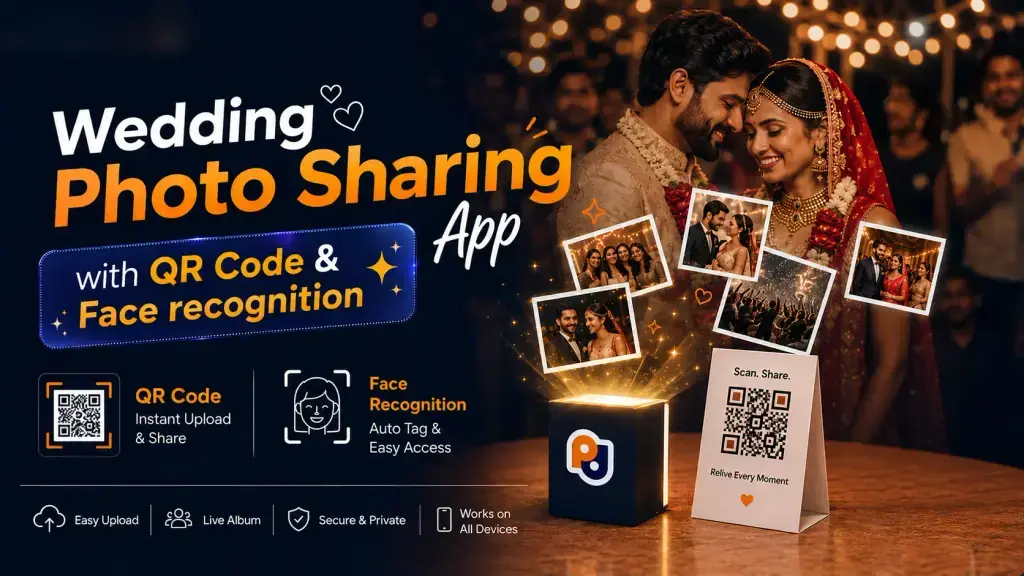
Wedding guests spend hundreds of photos taking pictures throughout a celebration – but how will they find and share this memory afterwards? A QR Code for wedding pictures provides guests with a great way of reaching an online photo gallery from their smartphones. But putting a QR code on display isn’t the only thing that determines whether the guests will find it an easy tool.
A QR code’s instructions, placement, privacy, and the overall process of viewing the album affect whether the QR code is useful for you. Here are 10 tips that help QR code wedding picture sharing become a convenient experience.
- Tell the guests what to expect when they scan the code
A QR code without any context may be ignored, so guests should know right away what they would gain from scanning it. Instead of just putting the code on display, provide a short message describing the result of a scan, such as:
“Scan to view your wedding photos.”
This message could be elaborated upon or specified depending on what the guests can see when they arrive:
“Scan to find and view photos from today’s celebration.”
Make sure the message is short and easy to read: guests shouldn’t need to ask the wedding staff what that QR code is used for! Particularly if the venue has more QR codes for menus, directions, payments, or other services, a QR code for wedding pictures needs more description.
- Put the QR code in places guests usually look
The importance of location cannot be underestimated. Good places for QR codes usually have in common with being an area the guests look at without thinking much
Some common locations are:
Wedding welcome signs
Reception tables
Photo booth areas
Guest lounges
Table cards
Wedding programs
Entry areas
Thank-you cards
You might want to put QR code signs in more than one important location. Avoid putting the QR code behind flowers, signs, furniture, or other decorations. There should be an empty border of space around the QR code so that it can be read by a smartphone’s camera.
A helpful tip for the QR code placement is to have one sign at the entrance to the venue where the guests first discover the QR code, and one sign in a more laid-back area where the guests have some time to scan it.
- Make scanning easy
You want a simple QR code experience that doesn’t confuse or frustrate the guests. Before the big day, test the process and make sure that there are no hassles, such as:
Scan the QR code → Open the link → Log in (if required) → View the gallery
If guests need to set up an account, install an application, fill out forms, or struggle with a complicated menu, they may not keep using your QR code. A simple experience is even more crucial for mobile devices because most guests will use them at the venue.
- Test the QR code before printing the code
QR code mistakes often occur when a code looks right on the graphic page but doesn’t work when printed
Test the print version of your QR code rather than the graphic design version. Try scanning the code in various ways to make sure that it works, such as:
From different distances
With various smartphones
In bright and dim lighting
At slightly different angles
After printing it at the intended size
Make sure that the link opens the correct wedding gallery. A simple test run before your event can prevent this kind of mishap at the wedding.
- Organize photographs by function
Depending on the type of wedding you have, you may have many events to celebrate with a guest.
A good way to organize pictures is by the function:
Engagement
Mehndi
Haldi
Sangeet
Wedding Ceremony
Reception
Another way to organize photographs is based on the days of a multi-day wedding.
For example:
Day 1 – Mehndi
Day 2 – Haldi & Sangeet
Day 3 – Wedding
Day 4 – Reception
You can also organize the pictures by the events the guests attended. That way, a guest who came to the reception can easily find the photographs they want.
- Make photograph discovery easy
Opening the gallery is only the beginning: guests usually want to find photographs they appear in.
If your gallery has many photos, it may become cumbersome to scroll through every picture to find one’s. If the platform has an AI-based face recognition option, guests can upload their selfie and use the photo discovery feature to find photographs they are in. This can be particularly useful at larger wedding events. A guest may only attend the reception, but may want to find their pictures without having to scroll through all of the Mehndi, Haldi, and wedding gallery pictures. A Wedding QR Code for Photos paired with an easy photo discovery experience makes for a smooth journey from scanning to finding.
- Consider privacy before sharing photos
Many wedding photos contain kids, family members, and guests who may not want everyone to see the pictures. Before posting your gallery publicly, check your gallery’s accessibility and privacy settings. Depending on the platform, some helpful options may be:
Private galleries
Password or access-code protected
Restricted downloads
Controlled sharing
Expiration or retention settings
Couples should decide who should be able to see the pictures and whether guests can download or share them. If you’re using AI face recognition, make sure that you’ve checked the privacy policy and terms regarding pictures and selfies.
- An alternative for guests who can’t scan
Not every guest will feel comfortable scanning a QR code. Some guests or family members may have accessibility issues or not know how to use a QR scanner. The QR code should make it easy, not the other way around! You might want to think about an alternative form of access as well, such as a short link, help from the wedding staff, a printed gallery instruction card, or a short link included in the digital wedding invitation.
- Think about photo upload timing
You might want to put pictures out as soon as possible so that the guests can see them, but many professional wedding photographers edit and sort pictures. Set expectations for when the guests can see the pictures. If photos are being uploaded during the event, let the guests know that more photos may appear as the celebration goes on. If the final, edited gallery is going to be uploaded later, let the guests know as well. A simple note saying something like:
“Live event photos may be added during the celebration. The edited gallery will be updated after the event.”
- Keep the gallery useful after the wedding
The wedding photo gallery doesn’t need to end when the reception ends – in fact, many guests may want to go back to the gallery later. Couples may also want to share the gallery links with relatives who couldn’t make it to the event. Decide before your big day how long you want the gallery to be up. A QR code for wedding pictures can continue being useful after the event if the destination is available and the couple is comfortable with having the photographs online. You can even share the gallery link again with a thank-you message after the event: that way, guests have another opportunity to discover their photographs.
A Practical Example
Let’s imagine a three-day wedding with Mehndi, Sangeet, and the main wedding function. The couple puts up clearly labeled QR signs at the entrances of each event. Each album is organized by the event, and the instructions explain that the guest can scan the QR code to view wedding photos. During the reception, a guest scans the QR code and opens the wedding gallery. They don’t want to scroll through everything – they use the photo discovery feature to find photos they’re in. Another guest can’t scan the QR code, so the family shows them the short gallery link printed at the bottom of the QR code. After the wedding, the couple keeps the organized gallery up for their families who couldn’t make it to the event.
Common Mistakes to Avoid
Even a perfectly set-up QR Code system can be a frustration if these common mistakes are made:
Printing a QR code that’s too small
Using unclear instructions
Linking to the wrong gallery
Putting too many unrelated QR codes together
Making a complicated login process
Uploading photos without organizing them
Not following or considering privacy settings
Removing the gallery without informing guests
Assuming every guest can scan a QR code
A simple test run with a few guests before your event can reveal some of these issues.
Your final checklist before the big day should include things like:
The QR code opens the correct destination.
The printed QR code scans successfully.
The gallery works well on mobile devices.
Albums are clearly labeled.
Privacy settings have been reviewed.
Guests know what happens after scanning the QR code.
An alternate access method is available.
Photo upload timing is clearly communicated.
AI photo search features, if used, have been tested.
The gallery’s post-wedding availability is understood.
Conclusion
A QR Code can make wedding picture sharing a convenient experience, but the code alone is only part of the equation. Clear instructions, good placement, organized photo albums, easy mobile viewing, appropriate privacy settings, and photo discovery features all contribute to a better guest journey. Whether you’re having a small family wedding or a multi-day affair, careful planning can make it easy for your guests to move from scanning the code to finding and viewing their photos. A QR code for wedding pictures becomes a valuable experience when it is taken into account as a complete photo sharing experience – not just a printed square on a sign.