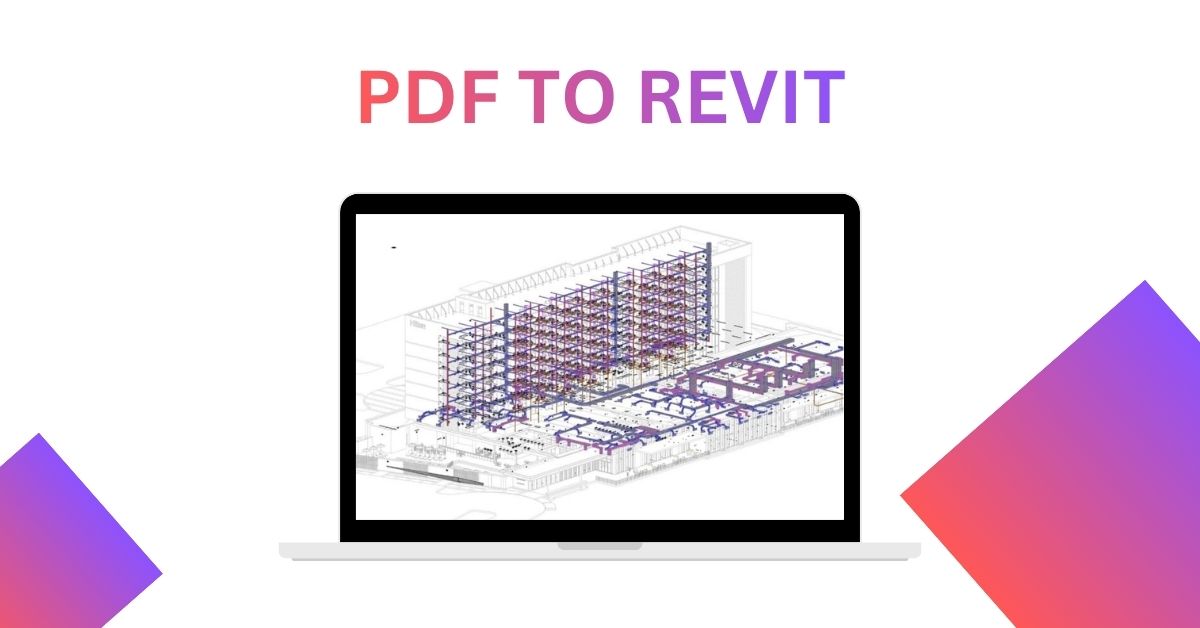
Converting architectural drawings into accurate BIM models is an important step in modern building design. Many projects still use PDF files for old drawings, floor plans, elevations, and construction documents. However, PDF files do not provide the editable 3D data required for Building Information Modeling (BIM). This is where PDF to Revit conversion services can help.
What Is PDF to Revit Conversion?
PDF to Revit is the process of converting information from PDF drawings into editable Autodesk Revit models. The process involves reviewing the source drawings, identifying architectural elements, and recreating them as BIM components.
Walls, doors, windows, floors, ceilings, roofs, and other building elements can be modeled based on the available PDF information. The final Revit model can then support design development, coordination, documentation, and project management.
Why Convert PDF Drawings into Revit?
PDF drawings are useful for viewing and sharing project information, but they have limited editing capabilities. Revit models contain intelligent building elements that can be modified and coordinated more easily.
Using PDF to Revit conversion can help architects, engineers, contractors, and building owners create usable BIM data from existing drawings. It can also reduce the need to recreate project information from scratch when working with older documentation.
A Revit model can provide multiple views from the same project database. Changes made to model elements can also be reflected across related drawings, depending on the project setup.
How the Conversion Process Works
The conversion process normally starts with collecting the available PDF drawings and checking their quality. The drawings may include plans, sections, elevations, and details.
The next step involves importing or referencing the PDF files in Revit. The modeling team uses the drawings as a reference while creating the required architectural and structural elements.
During PDF to Revit conversion, dimensions and drawing information are reviewed carefully. Model elements are created according to the available project information and required Level of Development (LOD).
After modeling, the Revit file is reviewed for accuracy, consistency, and completeness. Quality checks can identify missing elements, incorrect dimensions, or modeling issues before final delivery.
Benefits for Architecture and Construction Projects
One major benefit of converting PDF drawings into Revit is improved project usability. Revit models can support different project workflows, including architectural design, documentation, coordination, and visualization.
BIM models can also make it easier to understand spatial relationships between building components. This can be useful when reviewing existing buildings or preparing renovation and redevelopment projects.
Another benefit is better access to structured project information. Instead of working only with static drawings, project teams can work with editable model elements and associated information.
Applications of PDF to Revit Services
PDF to Revit services can be useful for several types of projects. They are commonly required for residential buildings, commercial properties, industrial facilities, renovation projects, and restoration work.
These services can also support scan-to-BIM and as-built modeling workflows when PDF drawings are available as part of the existing project documentation.
For older buildings, converting available drawings into Revit can provide a foundation for creating updated BIM documentation. The resulting model can then be used for future design and coordination requirements.
To read more useful blogs like this, visit: digimoneyblogger
Choosing a Reliable Conversion Service
When selecting a PDF to Revit conversion provider, consider experience, modeling standards, accuracy, turnaround time, and quality control processes. The provider should understand Revit workflows and be able to follow the project’s required standards.
It is also important to provide clear source drawings and specify the expected LOD, model elements, file format, and project requirements. Clear instructions can help reduce revisions and improve the final model.
Overall, converting PDF drawings into Revit can turn static project documentation into a more useful BIM resource. With the right workflow and quality checks, the process can support better documentation, coordination, and future project development.